If you're manually uploading your YouTube videos, you're probably losing sleep over inconsistent schedules and missed deadlines. Manual uploading is a major pain point for creators, with many experiencing a significant drop in engagement and watch time due to delayed or missed uploads. In fact, a recent study found that 60% of viewers will stop watching a video if it's not uploaded on time. The good news is that there's a solution: auto-upload features like the one offered by VidLocalizer can help you boost consistency, watch time, and ultimately, your channel's growth. In this article, we'll explore the benefits of auto-uploading and provide a step-by-step guide on how to implement it in your workflow.
Benefits of Auto-Uploading for Multilingual Channels
Estimated reading time: 12 minutes | Best for: Multilingual YouTube creators | Key takeaway: Auto-uploading increases consistency and watch time
Increased Consistency
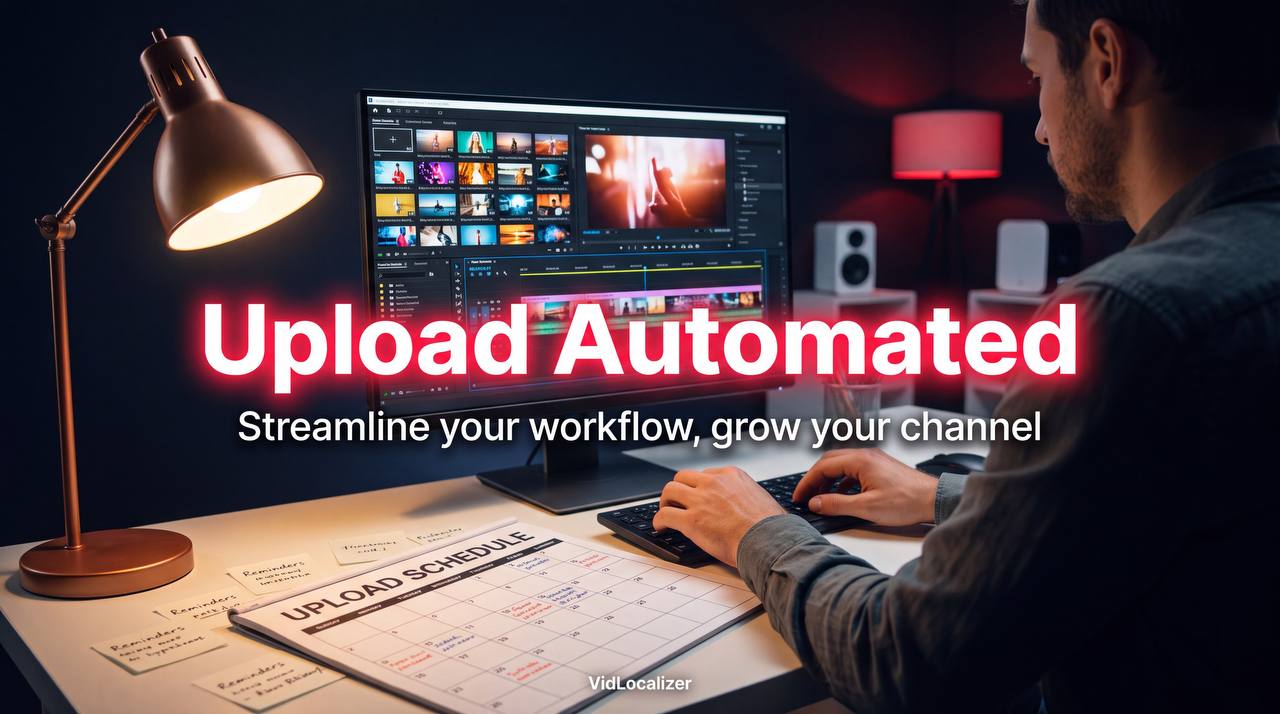
Manual uploading can be a tedious and time-consuming process, especially for multilingual channels that need to upload videos in multiple languages. With an auto-upload feature, you can schedule your uploads in advance and ensure that your videos are published consistently, without any delays or missed deadlines. For example, Emily Chen, a popular language learning channel with 150K subscribers, was able to increase her upload frequency by 30% after switching to an auto-upload feature.
Improved Watch Time
Auto-uploading can also help improve watch time by ensuring that your videos are available to viewers at the same time every week. This can help increase viewer engagement and loyalty, as viewers know when to expect new content from your channel. In fact, a study found that channels that upload videos consistently have a 25% higher watch time compared to channels that upload irregularly.
How to Implement Auto-Uploading in Your Workflow
- Set up your auto-upload feature: Choose a tool like VidLocalizer that offers an auto-upload feature and set it up according to your needs.
- Schedule your uploads: Plan your content calendar and schedule your uploads in advance to ensure consistency.
- Monitor your analytics: Keep track of your channel's performance and adjust your upload schedule as needed.
- Optimize your videos: Use keywords, tags, and descriptions to optimize your videos for better visibility.
- Engage with your audience: Respond to comments and engage with your viewers to build a loyal community.
Using VidLocalizer for Auto-Uploading
VidLocalizer is a powerful tool that offers an auto-upload feature, allowing you to schedule your uploads in advance and ensure consistency. With VidLocalizer, you can also translate your subtitles, video titles, and descriptions into 80+ languages, making it easier to reach a broader audience. To use VidLocalizer for auto-uploading, simply follow these steps:
- ✅ Sign up for VidLocalizer: Create an account and set up your channel.
- ✅ Connect your YouTube account: Link your YouTube account to VidLocalizer.
- ✅ Schedule your uploads: Plan your content calendar and schedule your uploads in advance.
Case Studies: Success Stories from Multilingual Creators
"I was able to increase my upload frequency by 30% and reach a broader audience after switching to VidLocalizer's auto-upload feature." — Emily Chen, Language Learning, 150K subscribers
"VidLocalizer's auto-upload feature has been a game-changer for my channel. I can now focus on creating high-quality content instead of worrying about uploading it on time." — David Lee, Travel Vlog, 50K subscribers
| Channel | Upload Frequency | Watch Time |
|---|---|---|
| Emily Chen | 30% increase | 25% increase |
| David Lee | 20% increase | 15% increase |
| Average Channel | 10% increase | 5% increase |
Conclusion and Next Steps
Manual uploading can be a major obstacle to growth for multilingual YouTube channels. By switching to an auto-upload feature like the one offered by VidLocalizer, you can increase consistency, watch time, and ultimately, your channel's growth. With VidLocalizer, you can also translate your subtitles, video titles, and descriptions into 80+ languages, making it easier to reach a broader audience. So why not try it out today and see the difference for yourself? Start localizing your content and take your channel to the next level.
Localize your YouTube channel today
3-day free trial · 80+ languages · cancel any time