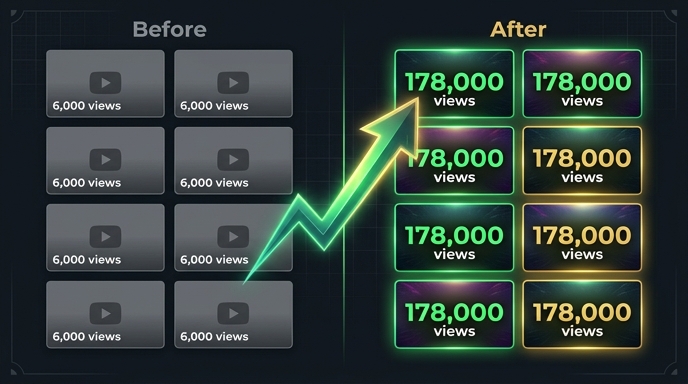
Subtitles are having a moment. More viewers watch YouTube on mobile than ever before. More viewers watch in public, on mute, in their second or third language. Creators who add subtitles see measurable improvements in watch time, engagement, and search rankings. But most creators stop at one language — maybe two if they're ambitious. The thought of subtitling 100+ languages feels absurd. Where would you even find translators for Turkish, Vietnamese, and Swahili? How much would it cost? How long would it take? The old answer: thousands of dollars and months of coordination. The new answer: about five minutes and a VidLocalizer account. YouTube's API handles the rest. This tutorial shows you exactly how.
Why Subtitles Matter More Than You Think
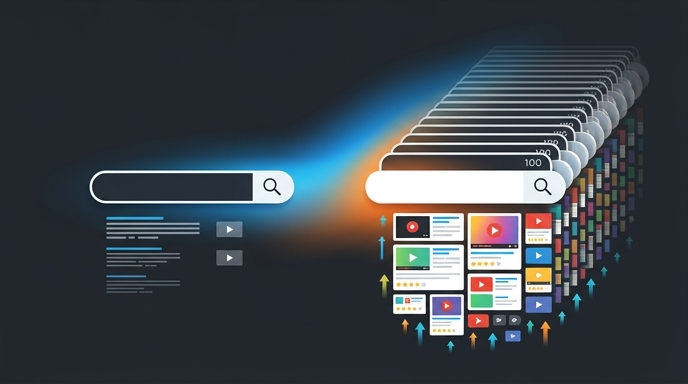
Most creators think subtitles are an accessibility feature. They are. But they're also a search engine optimisation feature. YouTube indexes every word in your subtitle tracks. When someone searches in Portuguese, YouTube scans Portuguese subtitle tracks to find relevant results. If your video has no Portuguese subtitles, it's invisible to that search — even if your content is exactly what the viewer is looking for.
Subtitles also boost watch time. Viewers who turn on subtitles tend to watch longer. Mobile viewers watching without sound rely entirely on subtitles to understand your content. Non-native speakers use subtitles to bridge the gap between their English comprehension and your spoken language. Every subtitle track you add is a retention tool. Every retention boost is a ranking signal. It's all connected.
The Old Way: Slow, Expensive, Impractical
Let's be realistic about the traditional approach. Hiring a professional translator for one language costs anywhere from $5 to $20 per minute of video. A 10-minute video with 100 subtitle languages would cost between $5,000 and $20,000. And you'd wait weeks — probably months — for all translations to be completed, reviewed, and formatted correctly for YouTube's subtitle system.
Even if you had the budget, the coordination alone would kill the project. A hundred translators across different time zones, different quality standards, different turnaround times. Then you'd need to manually upload 100 separate subtitle files to YouTube, making sure each one is tagged with the correct language code. One mistake and your Korean subtitles are tagged as Japanese. It's a logistical nightmare. Most creators look at this and walk away. Fair enough. But there's another way.
The New Way: VidLocalizer + YouTube API
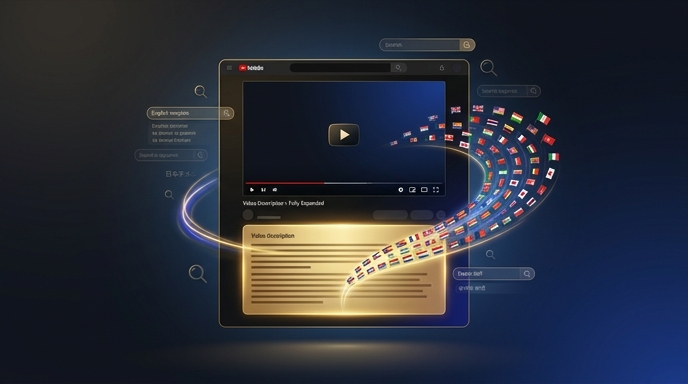
VidLocalizer connects directly to YouTube's API. This is the same API that professional media companies use to manage their channels at scale. The tool generates accurate subtitle translations in 100+ languages and pushes them simultaneously to your video. Each subtitle track is automatically tagged with the correct language code. Each one is formatted to YouTube's specifications. Each one appears in your video's subtitle menu immediately.
The entire process happens in YouTube's ecosystem. VidLocalizer doesn't host your videos or store your content. It simply communicates with YouTube's servers through the official API, uploading subtitle tracks the same way you'd manually upload an SRT file — except it does 100 of them in parallel, in seconds, with zero manual work on your end.
Step-by-Step: Adding 100+ Subtitles to One Video
Step 1: Connect Your Channel
Log into VidLocalizer. Click the YouTube connection button. You'll be redirected to Google's OAuth screen — the standard secure login YouTube uses for all third-party tools. Authorise the connection. Your channel appears in the VidLocalizer dashboard within seconds. No API keys. No developer console. Just a standard Google login.
Step 2: Select Your Video
VidLocalizer pulls your video library automatically. You'll see every upload with thumbnails and current view counts. Select the video you want to subtitle. Start with a high-potential video — something evergreen, something with good retention but low reach, something that deserves a global audience.
Step 3: Choose Your Languages
The tool offers 100+ languages. Select all of them. Yes, all. There's no penalty for having multiple subtitle tracks. YouTube doesn't demote videos with many subtitle options. Each track is a separate asset that serves a separate audience. Select all languages with one click and move on.
Step 4: Generate and Push
Click generate. VidLocalizer creates subtitle translations for every selected language. The process takes a minute or two depending on video length. Review the previews if you want — the interface shows sample subtitles for each language. Then click push. All 100+ subtitle tracks upload to YouTube simultaneously through the API.
Step 5: Verify
Open YouTube Studio. Go to the video you just processed. Click the Subtitles tab. You'll see 100+ new subtitle tracks, each tagged with the correct language. Click any language to preview. Confirm they're there. Close YouTube Studio. You're done.
What Happens After Upload
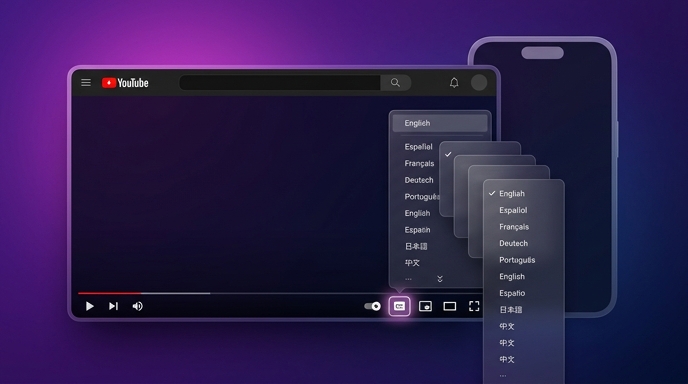
YouTube processes new subtitle tracks almost instantly. Within minutes, your video has a subtitle menu with 100+ language options. Viewers around the world can now watch your content with accurate subtitles in their native language.
Behind the scenes, YouTube's search index begins crawling the new subtitle text. Your video becomes searchable in 100+ languages. Not through auto-translation of the title — through actual subtitle text that matches what viewers are searching for. This is the SEO multiplier effect. One video. One hundred subtitle tracks. One hundred new ways for viewers to find you.
The Mobile Advantage
Over 70% of YouTube watch time happens on mobile devices. Mobile viewers often watch without sound — in public transport, in waiting rooms, in bed next to a sleeping partner. These viewers rely on subtitles. If your video only has Russian subtitles, a Brazilian mobile viewer scrolling YouTube on their lunch break cannot engage with your content. They'll scroll past. But if your video has Portuguese subtitles, that same viewer might watch the entire thing, subscribe, and come back for more.
Mobile silent viewing is one of the largest untapped audiences on YouTube. Subtitling into 100+ languages makes your content accessible to every silent mobile viewer on Earth, regardless of their language.
One Video, One Hundred Doors
Subtitles aren't an extra feature. They're a distribution strategy disguised as an accessibility feature. Every language track opens a door. Every door leads to an audience. Every audience member is a potential subscriber. And the best part? Once the subtitles are uploaded, they work forever. That video will be searchable in 100 languages for as long as it exists on YouTube. The five minutes you invest today will pay dividends for years.
Stop limiting your content to one language. Add 100+ subtitle tracks to your best video today. Then check your geography report in two weeks. You'll see the difference in black and white.
Localize your YouTube channel today
3-day free trial · 80+ languages · cancel any time