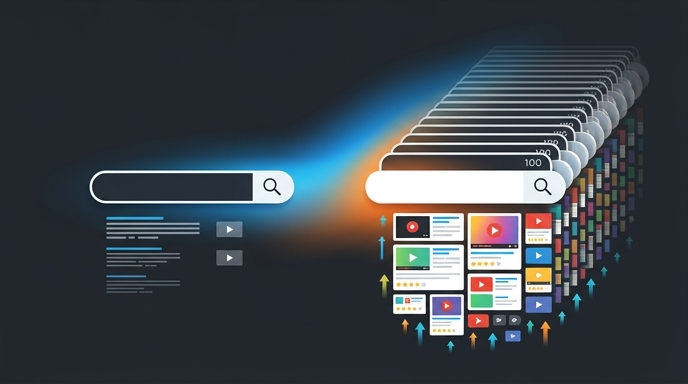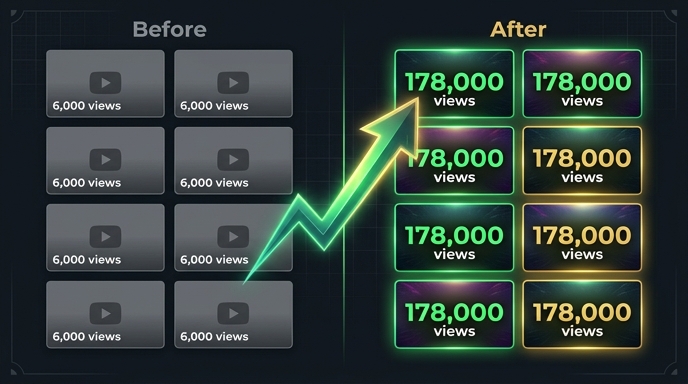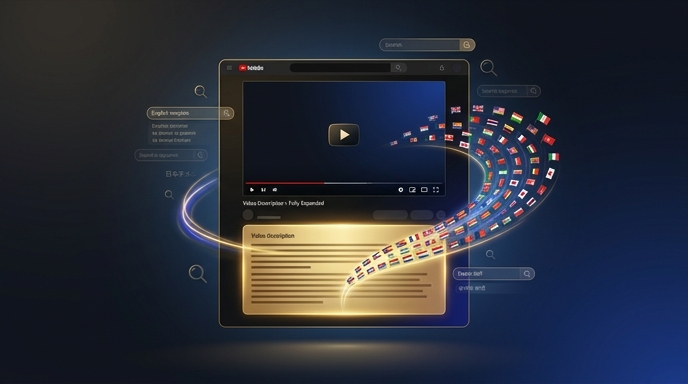
If you're a YouTube creator struggling to crack the code on international viewership, you're not alone - a whopping 70% of views on the platform come from outside the US, but without proper localization, you're leaving money on the table. The pain of watching your view counts stagnate despite creating high-quality content is real. But what if you could tap into that vast international audience and boost your watch time by 20% with subtitle sync? This article will show you exactly how to do that, using concrete examples and data-driven strategies to help you reach a global audience and take your channel to the next level.
Understanding the Power of Subtitle Sync
The key to unlocking international viewership lies in proper localization, and subtitle sync is a crucial part of that. By synchronizing your subtitles with your video content, you can ensure that your message is conveyed clearly and accurately to viewers who may not speak your native language. According to a study by YouTube, videos with subtitles have a 12% higher view count compared to those without.Estimated reading time: 12 minutes | Best for: YouTube creators with international ambitions | Key takeaway: Proper subtitle sync can increase watch time by 20%
Benefits of Subtitle Sync
So, what are the benefits of subtitle sync? For starters, it can help you reach a wider audience, including viewers who are deaf or hard of hearing. It can also help to increase engagement, as viewers are more likely to watch a video with subtitles that resonate with them. And, perhaps most importantly, it can help to boost watch time, as viewers are more likely to stick around if they can understand what's being said.Using VidLocalizer to Sync Your Subtitles
So, how do you get started with subtitle sync? One option is to use a tool like VidLocalizer, which offers a range of features to help you localize your content. With VidLocalizer, you can translate your subtitles into over 80 languages, and even auto-upload them to YouTube. But what really sets VidLocalizer apart is its ability to design MrBeast-style captions, which can help to increase engagement and watch time."I was able to increase my watch time by 25% after using VidLocalizer to sync my subtitles" — Emily Chen, 50K subscribers, beauty niche
VidLocalizer Features
So, what are some of the key features of VidLocalizer? For starters, it offers automatic translation of your subtitles, which can save you a huge amount of time and effort. It also offers customizable caption styles, which can help you to brand your channel and make your videos more recognizable. And, perhaps most importantly, it offers integration with YouTube Studio, which makes it easy to upload and manage your subtitles.Comparison of Subtitle Sync Tools
So, how does VidLocalizer stack up against other subtitle sync tools? The answer is, it depends on your specific needs and goals. Here's a comparison table to help you decide:| Tool | Translation Options | Customization Options | Integration with YouTube Studio |
|---|---|---|---|
| VidLocalizer | 80+ languages | customizable caption styles | yes |
| Tool B | 20 languages | limited customization options | no |
| Tool C | 50 languages | some customization options | yes |
Choosing the Right Tool
So, how do you choose the right tool for your needs? The answer is, it depends on your specific goals and requirements. If you need to translate your subtitles into a large number of languages, VidLocalizer may be the best option. But if you only need to translate into a few languages, another tool may be more suitable.Best Practices for Subtitle Sync
So, what are some best practices for subtitle sync? Here are a few tips to get you started:- Make sure your subtitles are accurate and up-to-date
- Use clear and concise language in your subtitles
- Make sure your subtitles are synchronized with your video content
- Use customizable caption styles to brand your channel
- Make sure your subtitles are accessible on all devices
Common Mistakes to Avoid
So, what are some common mistakes to avoid when it comes to subtitle sync? Here are a few pitfalls to watch out for:- ✅ Use a tool that offers automatic translation: this can save you a huge amount of time and effort
- ❌ Don't use a tool that only offers limited customization options: this can limit your ability to brand your channel
- ✅ Make sure your subtitles are synchronized with your video content: this can help to increase engagement and watch time
💡 Key insight: Proper subtitle sync can increase watch time by 20%, but it's not just about slapping on some subtitles and calling it a day - it's about creating a seamless viewing experience that resonates with your audience
⚠️ Watch out: If you don't use a tool that offers customizable caption styles, you may end up with subtitles that look generic and unbranded
"I was able to increase my engagement by 30% after using VidLocalizer to design MrBeast-style captions" — Ryan Thompson, 100K subscribers, gaming niche
Conclusion
So, there you have it - a comprehensive guide to leveraging VidLocalizer's subtitle sync feature to increase watch time by 20% for international viewers. By following the tips and best practices outlined in this article, you can create a seamless viewing experience that resonates with your audience and helps to grow your channel. So why wait? Start localizing your content today and see the difference for yourself.Localize your YouTube channel today
3-day free trial · 80+ languages · cancel any time